Track Muscle, Fat & Water
How it works
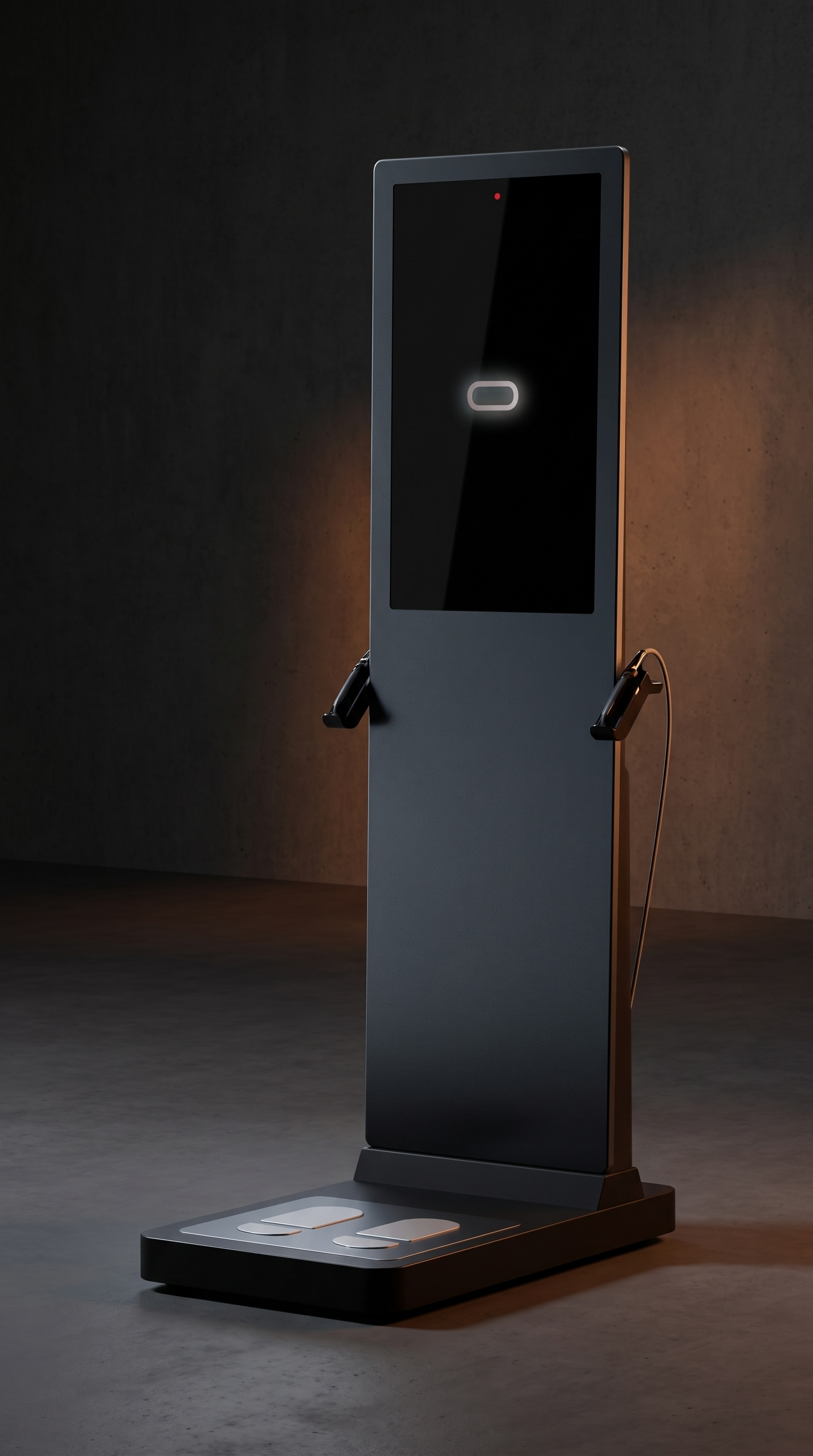
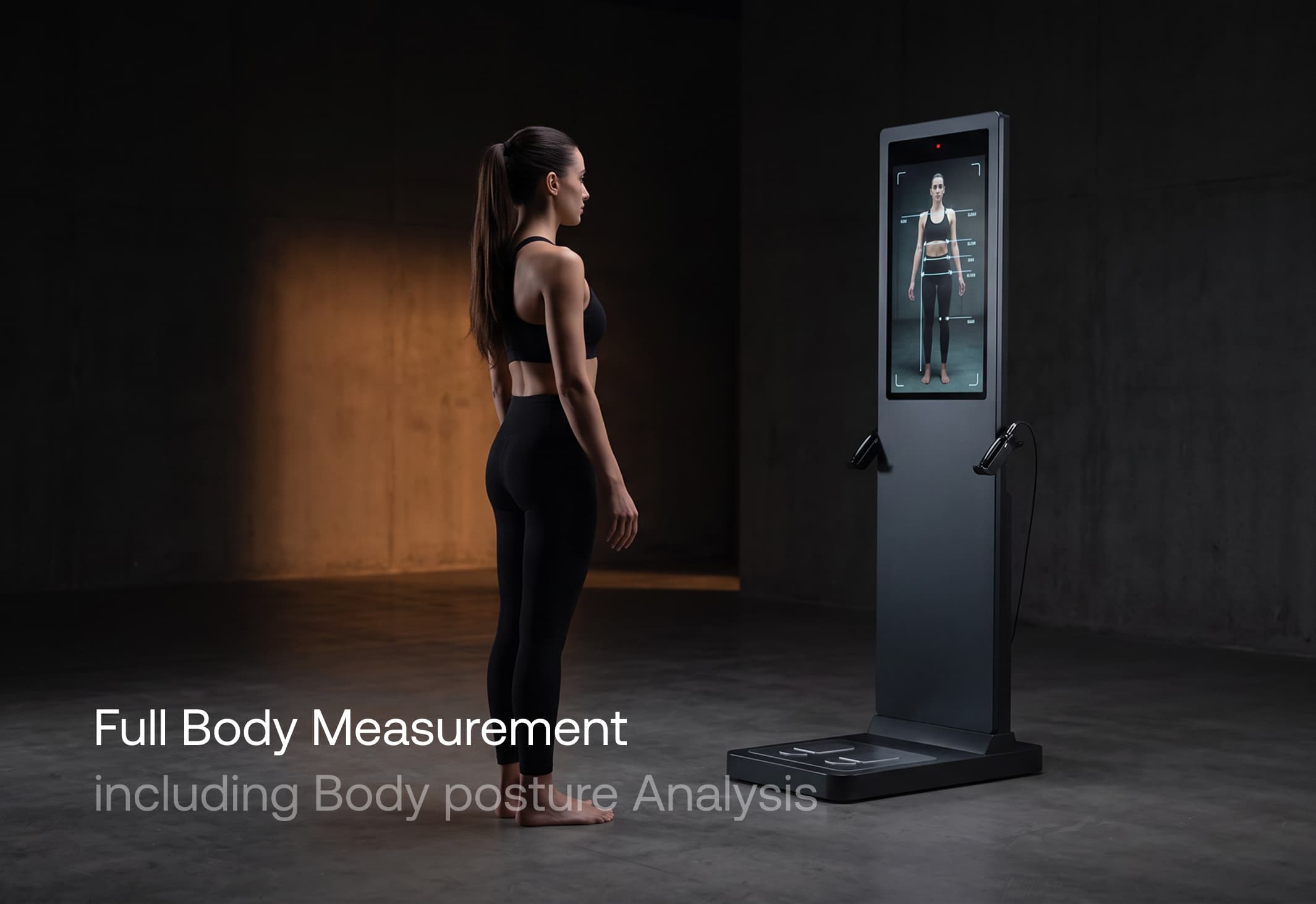
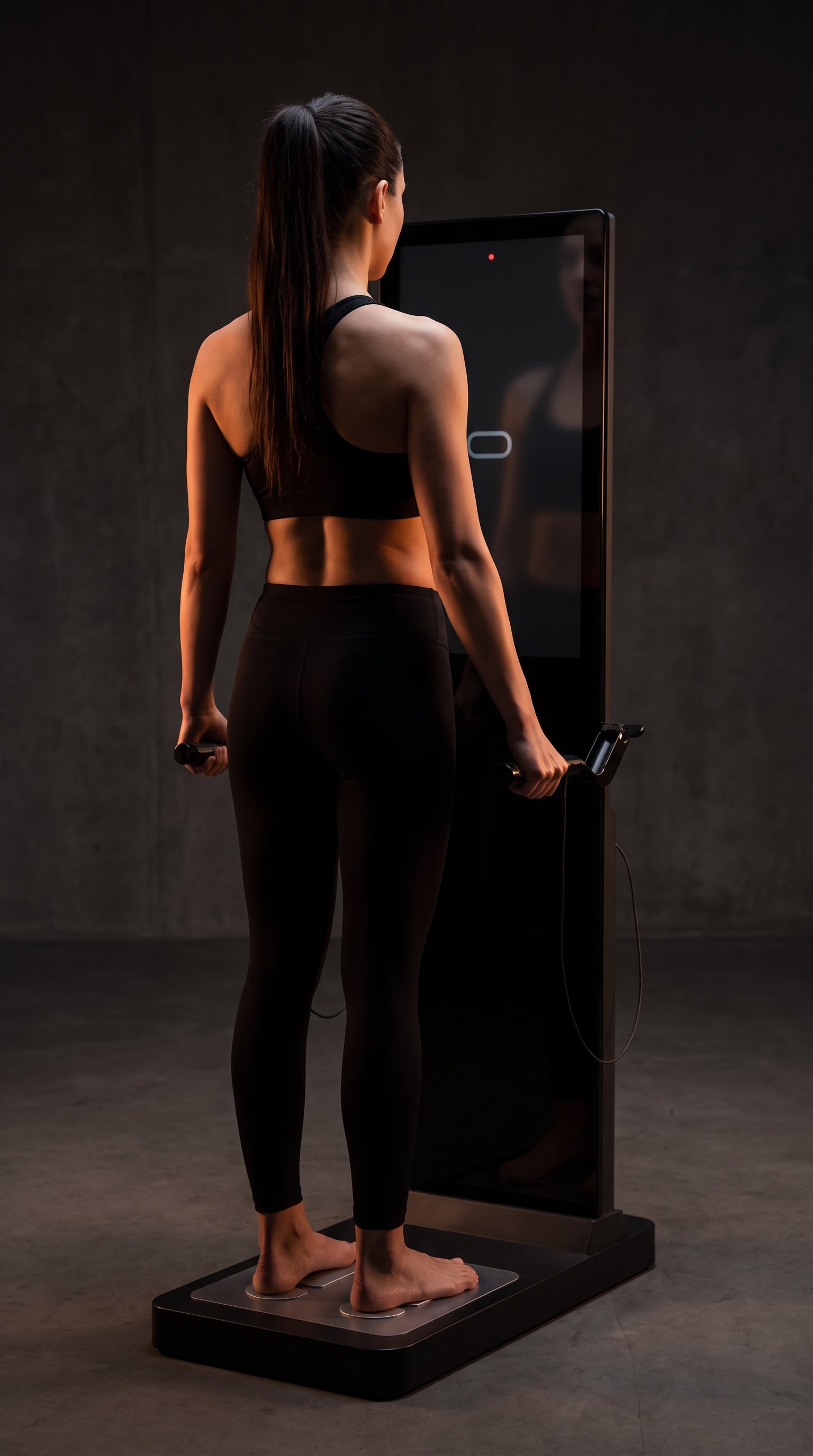
Start the scan from your anomalie app with one button press. No QR code, no check-in, no waiting for staff. Stand barefoot on the foot electrodes with your weight evenly spread, take the hand grips with your arms slightly away from your body, and hold still. A painless current passes through you and measures how your tissues resist it. Follow the screen for a front and side body scan, then a short balance test on one leg. Step off and your results are in your account.
Why to test
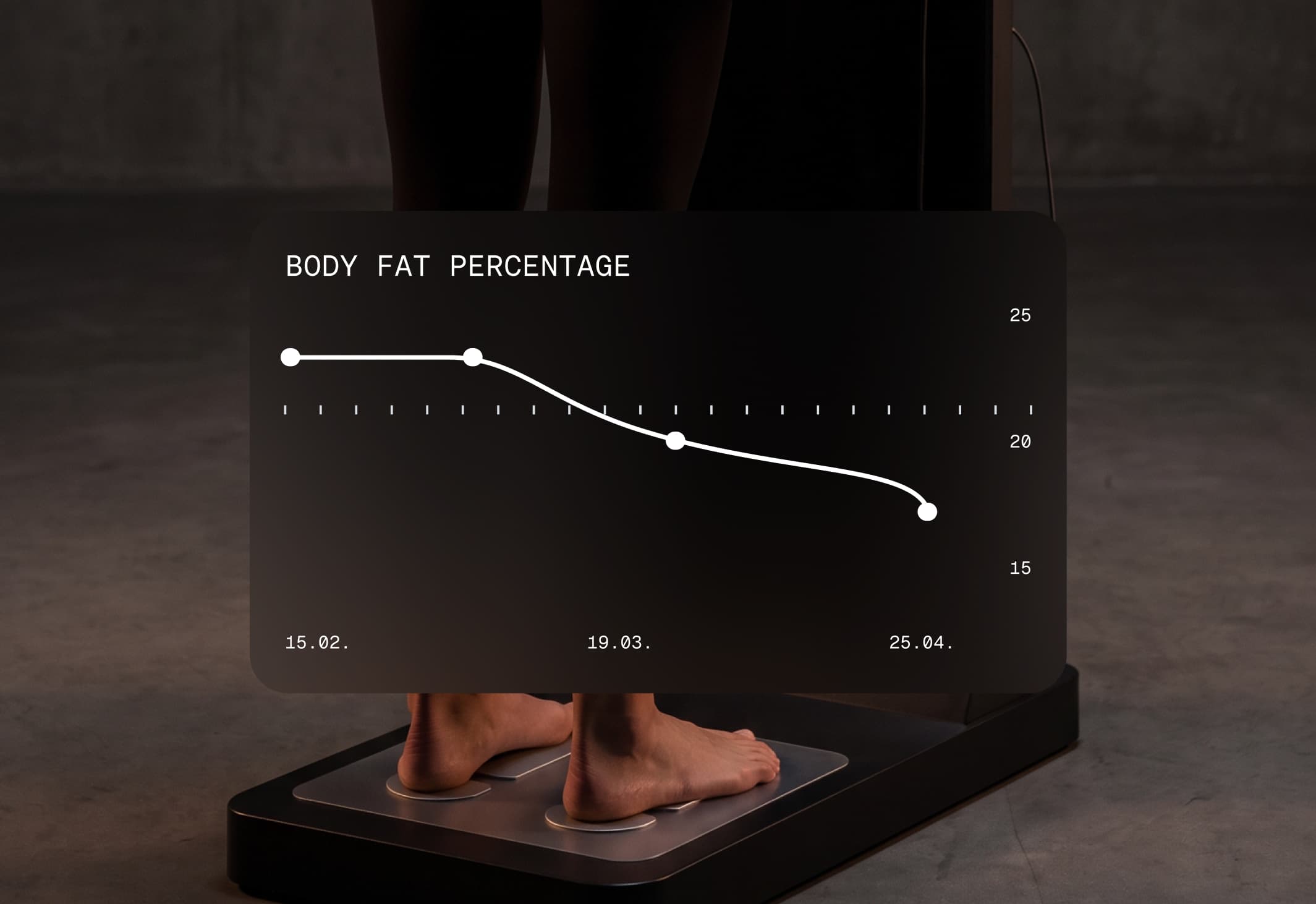
Weight on its own hides what is actually changing. A scan separates muscle from fat and shows it region by region, so you can see whether a training block built muscle or simply moved the number on the scale. Measure at least every 2 weeks. A single scan is a snapshot; testing on that rhythm turns it into a line you can act on, and shows constant progress while there is still time to adjust.
What you get
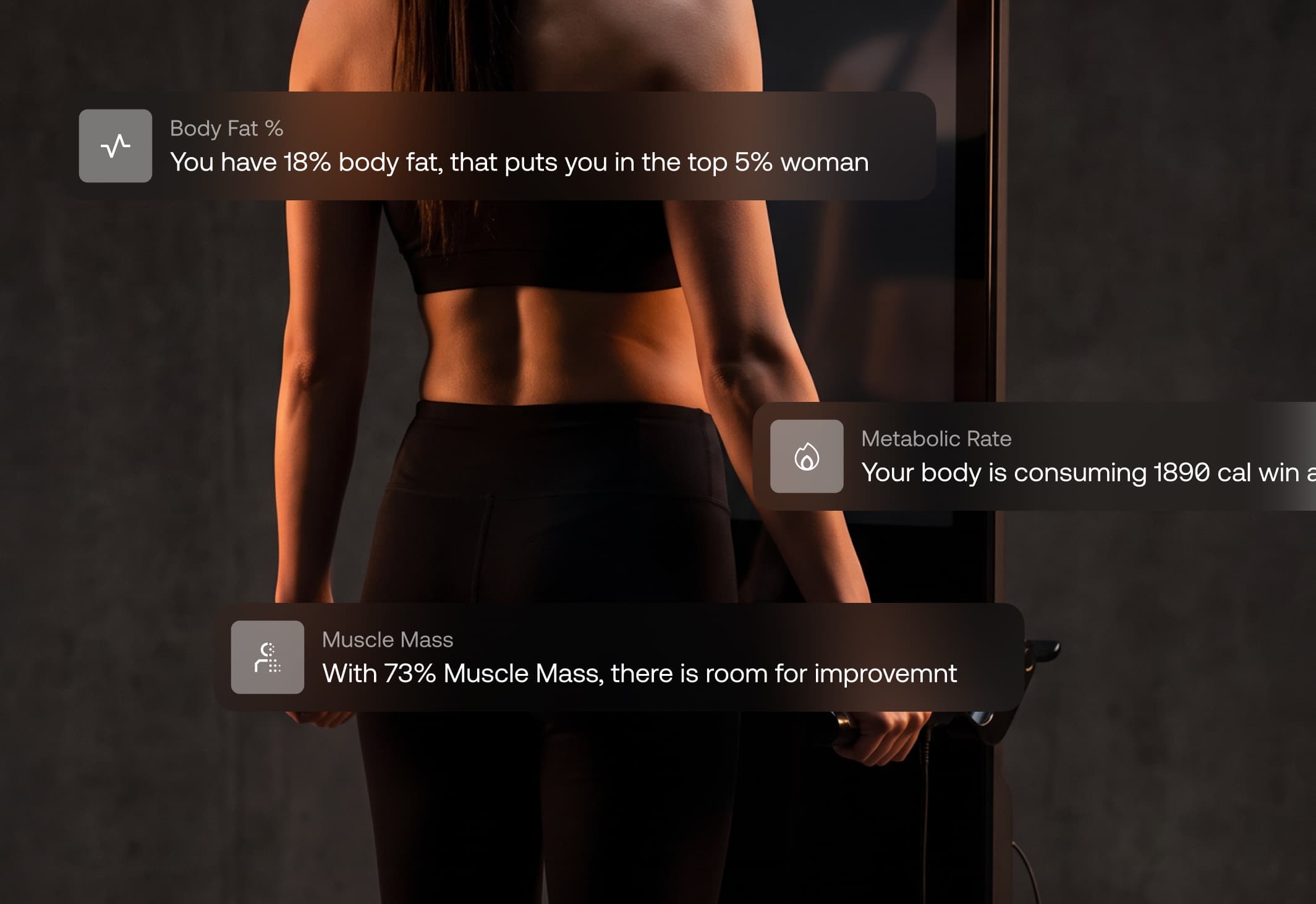
Fat mass and muscle mass with a segmental breakdown across arms, legs and torso, your body water, posture and body dimensions from the scan, and your balance result. Everything lands in your anomalie account next to your previous scans, so every measurement is read against your own history.
1
Get ready. Stand in front of the scale.
2
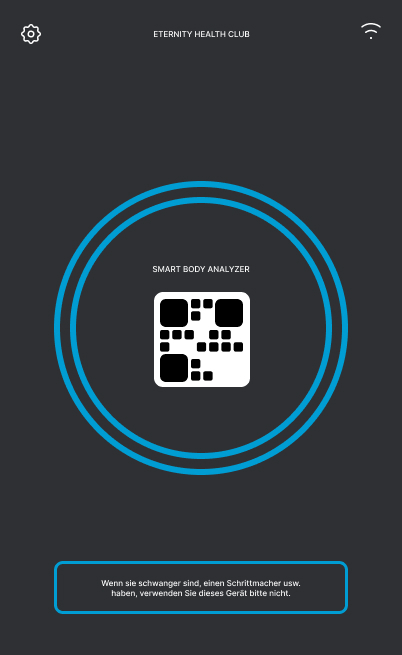
Check that the device is inactive. Its screen should show a QR code.
3
Prepare for the test. Take off your shoes and socks.
4
Follow the instructions on the device screen.
FAQ
Blood Panel
Sweat Test
24